Project Proposal: Everyday Object Digital collage

The first idea for this project that came to mind is to arrange pictures of orange slices to form either a sun or a flower (similar to Adam Hillman’s strawberry piece). All of the orange slices are the same half circle shape, but I will change the position the slices are laid in to give it more dimension (seen in my sketch). I’m not sure how I’ll create contrast in it though. I could add some shadows to it in a photo editing app/software. Or I was thinking I could add grapefruits to the collage as well to have some switch up in color but still have it in the same color family. (Photo for idea below including sketch.)
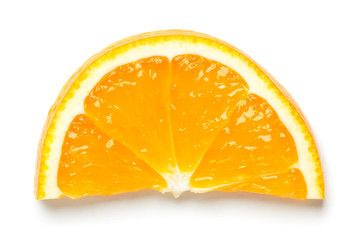
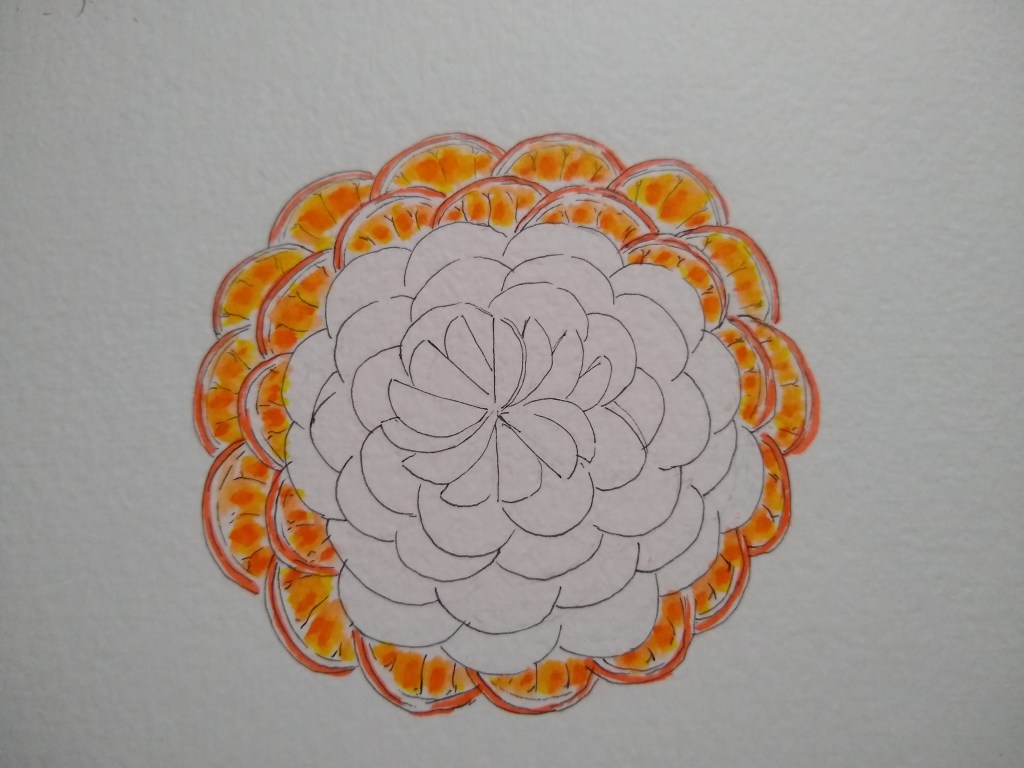
orange Slice" photos, royalty-free images, graphics, vectors & videos |  Adobe Stock

1st Post of Junior Year

Over the break I haven’t been up to much, but I have done some digital art (which was a part of my summer job) and made some sketches that I have yet to turn into finished pieces. But for the most part there has been nothing up with me.

My hopes for this school year is to become more skilled with the Adobe softwares. I want to make more pieces that are portfolio worthy. Also, I would say I’m comfortable with Illustrator and Photoshop, but I feel like there still a lot to learn and practice with. But I’d like to do more with Photoshop.

https://www.cultofpedagogy.com/student-e-books/art-portfolio-spread/

I haven’t had any issues with remote learning aside from procrastinating, but I have all the resources I need and there hasn’t been any big obstacles like that.

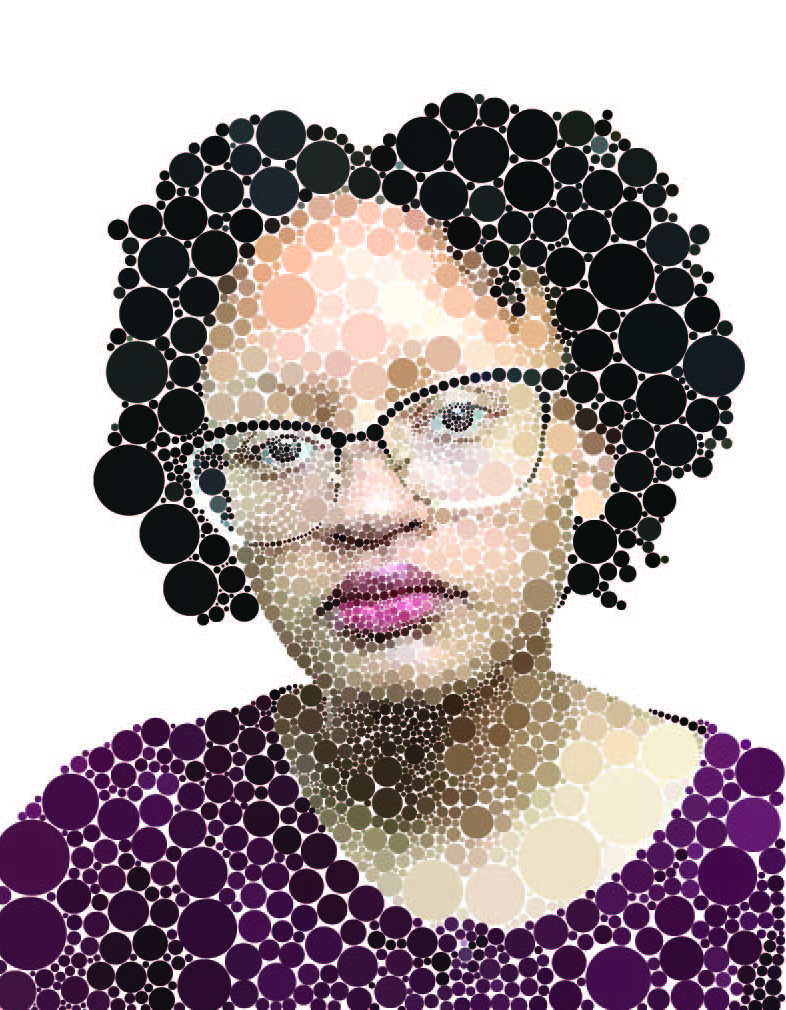
Digital Circlism Self Portrait – Artist Statement

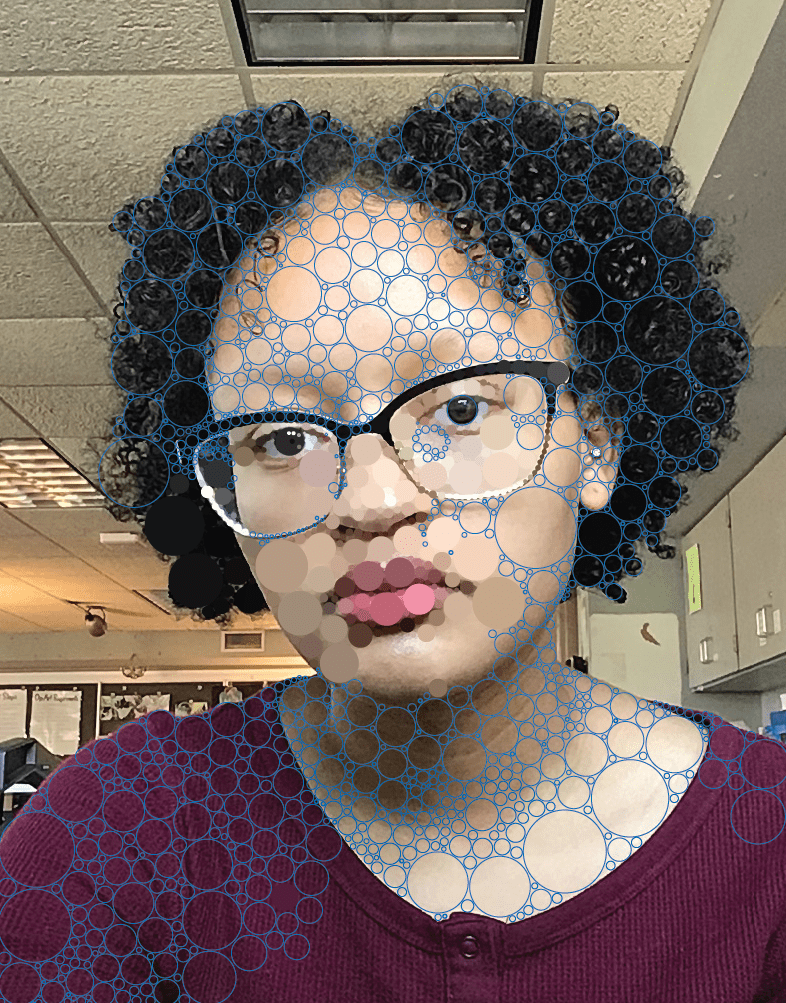
My self portrait project was an overall long and hard experience. When starting the project I had a few concerns, but became somewhat confident. Laying down the circles onto my picture in Illustrator seemed pretty easy, but as I got farther into the project I noticed some flaws and came across some difficulties. As I started filling in the circles with color, I saw that it looked flat and awkward and I had to make adjustments. I think I kind of knew where to lay the circles, but since I wanted less of them I made circles too big and didn’t show the values well. This project was the hardest for me mainly since I needed to constantly fix flaws, which slowed down the already long and repetitive process. But, towards the end I gained a better understanding and it actually started to turn out well (at least in the face). The face holds the most detail but I didn’t bother so much with the hair and shirt since I was short on time. I think if I did this over again with what I now know I would be able to pace myself better and get a better outcome in a shorter amount of time.

Digital Circlism Self-Portrait (8)

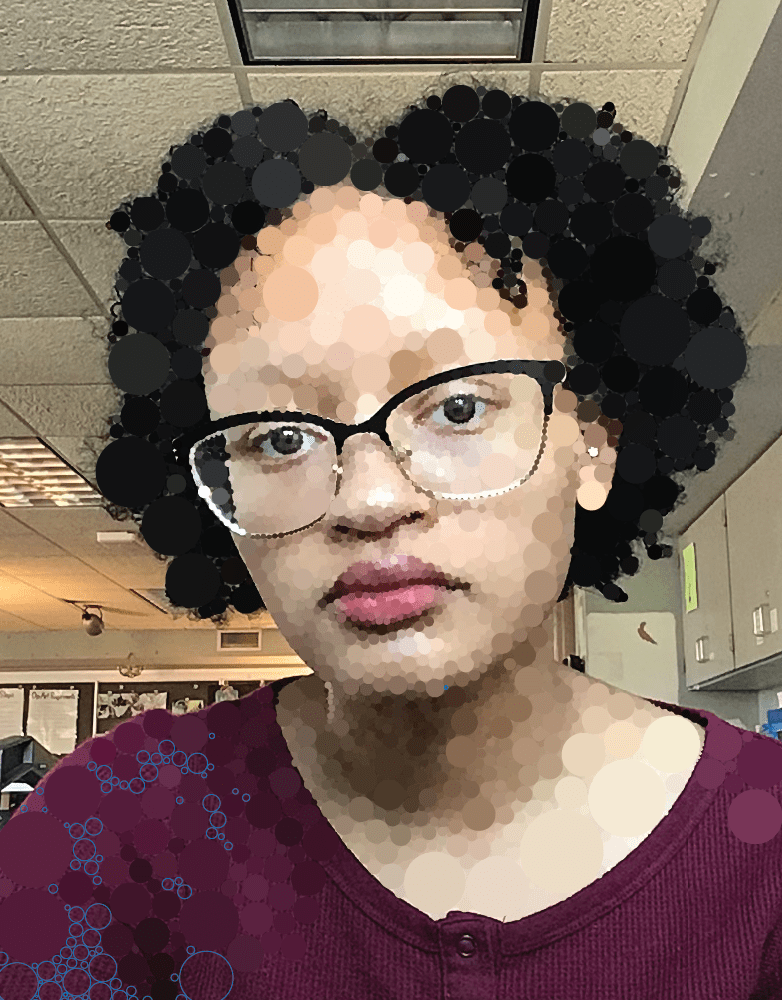
Last class when I went to save my progress and upload it to drive, I noticed that the progress I made didn’t save and show up. I was sure that I saved it as an Illustrator file, but I guess not so I lost a class worth of work. Today I had to go back and get as much done as I could. I managed to do most of the face by redoing the lips, nose, an eye etc. I’m getting worried that I won’t finish it in time but I’ll just need to hurry and use extra time.

Digital Circlism Self-Portrait (5)

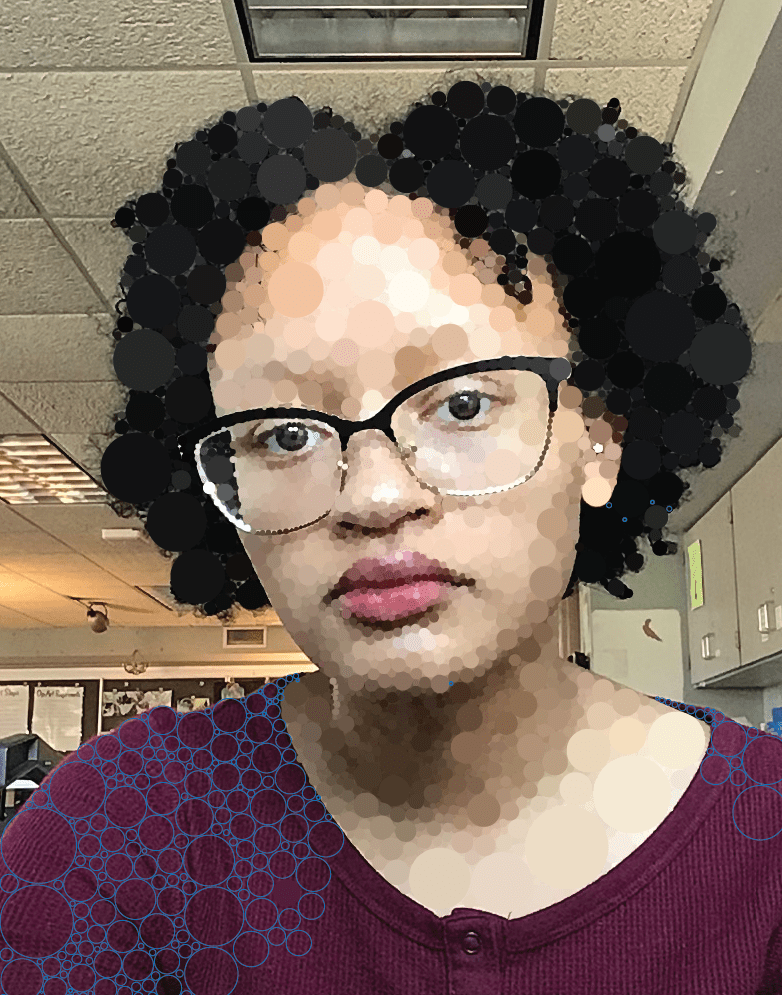
Today I started filling in some circles with color. I still have to finish adding circles on my shirt but I got kind of bored of it so I started to fill them in. Doing the actual circles took longer than filling them in for me since I have to place/size the circles well and fill in gaps. Making the circles is still overall easy but very repetitive which can make it feel a boring at times.