I’m almost finished with the circles, all I have left to complete is my shirt. Today I just filled in some gaps and did the shirt. I’m still not confident in whether or not I’m adding too many small circles.
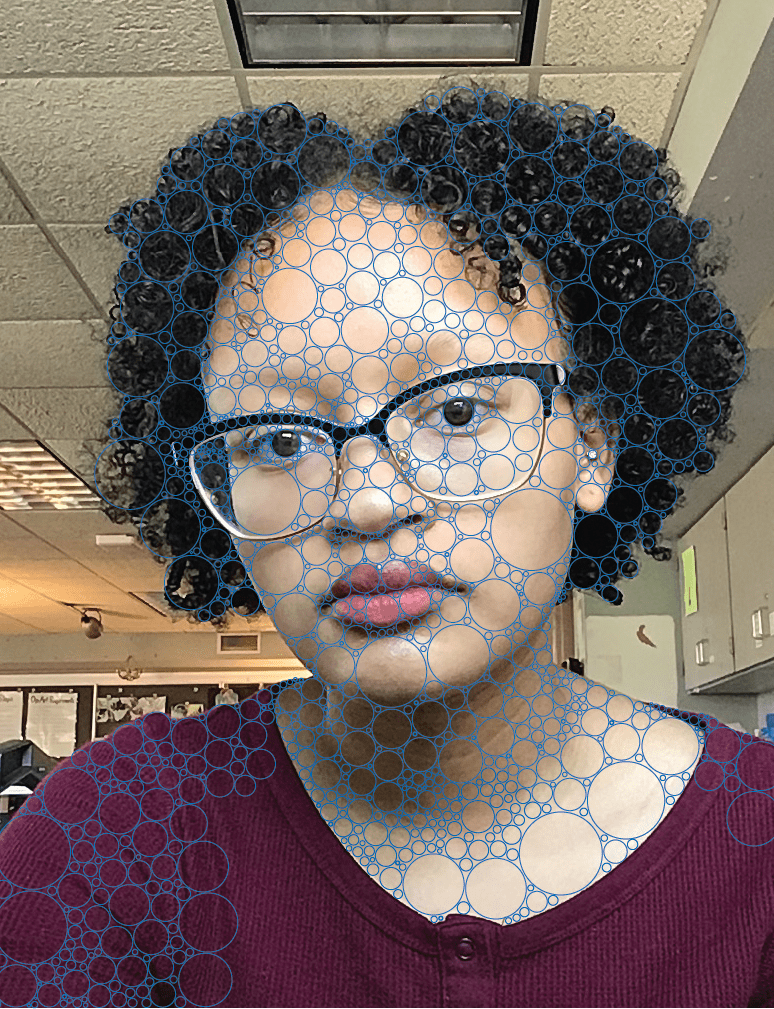

I’m almost finished with the circles, all I have left to complete is my shirt. Today I just filled in some gaps and did the shirt. I’m still not confident in whether or not I’m adding too many small circles.
Today I just filled in some more gaps and did my neck. I also wasn’t sure if I should do one big circle around the iris/pupil so I my right eye with one circle and my left with multiple circles. I also feel like I need to go back and fix my neck/chest because there are too many small circles and I want it to look more even.
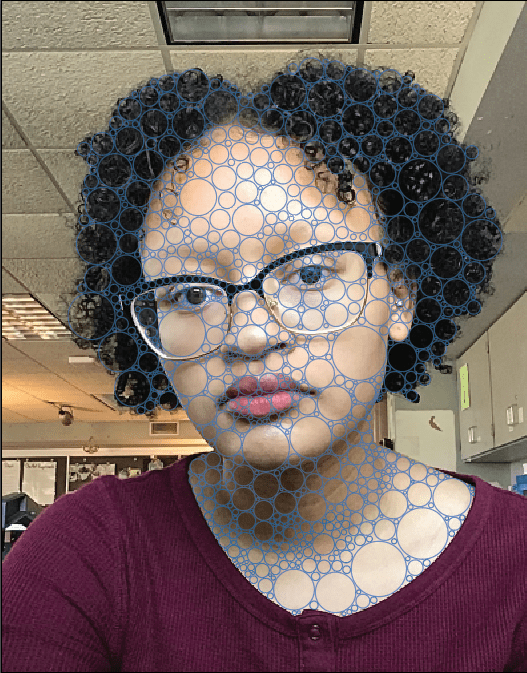
Today I pretty much finished adding circles to my hair. On my face I just have to finish the rims of my glasses. I also started to add circles on my neck. At first I wasn’t sure if I had too many small circles, but I guess it’s fine as long as they fill in the gaps and there are bigger circles too.
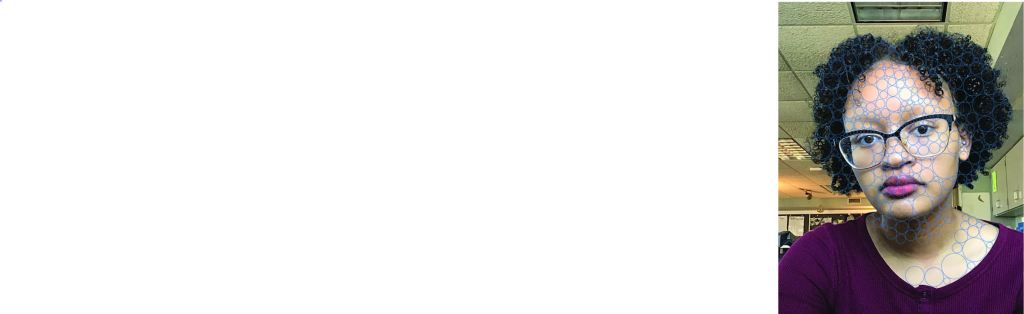
Today I began the circlism self-portrait. I took two pictures on an ipad and chose one. I started adding the circles and so far I’ve done most of my face and some of my hair. I tried making the circles big but not too big. But when I started adding circles I felt the need to add smaller circles to fill in the gaps and now I’m not sure if I have too many small circles.
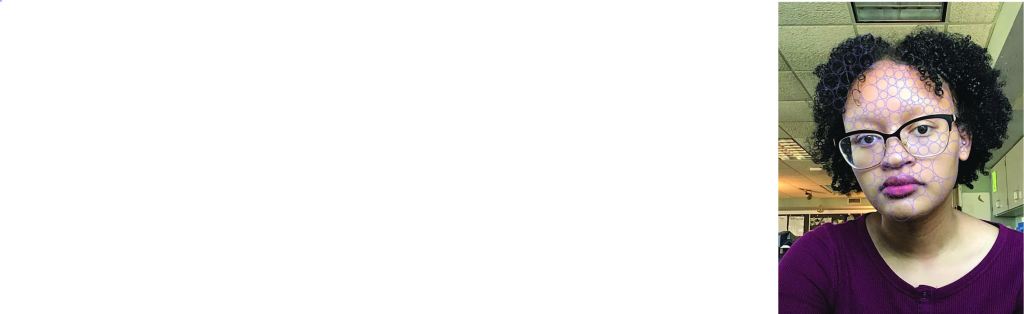
(not sure why the picture uploaded that way)
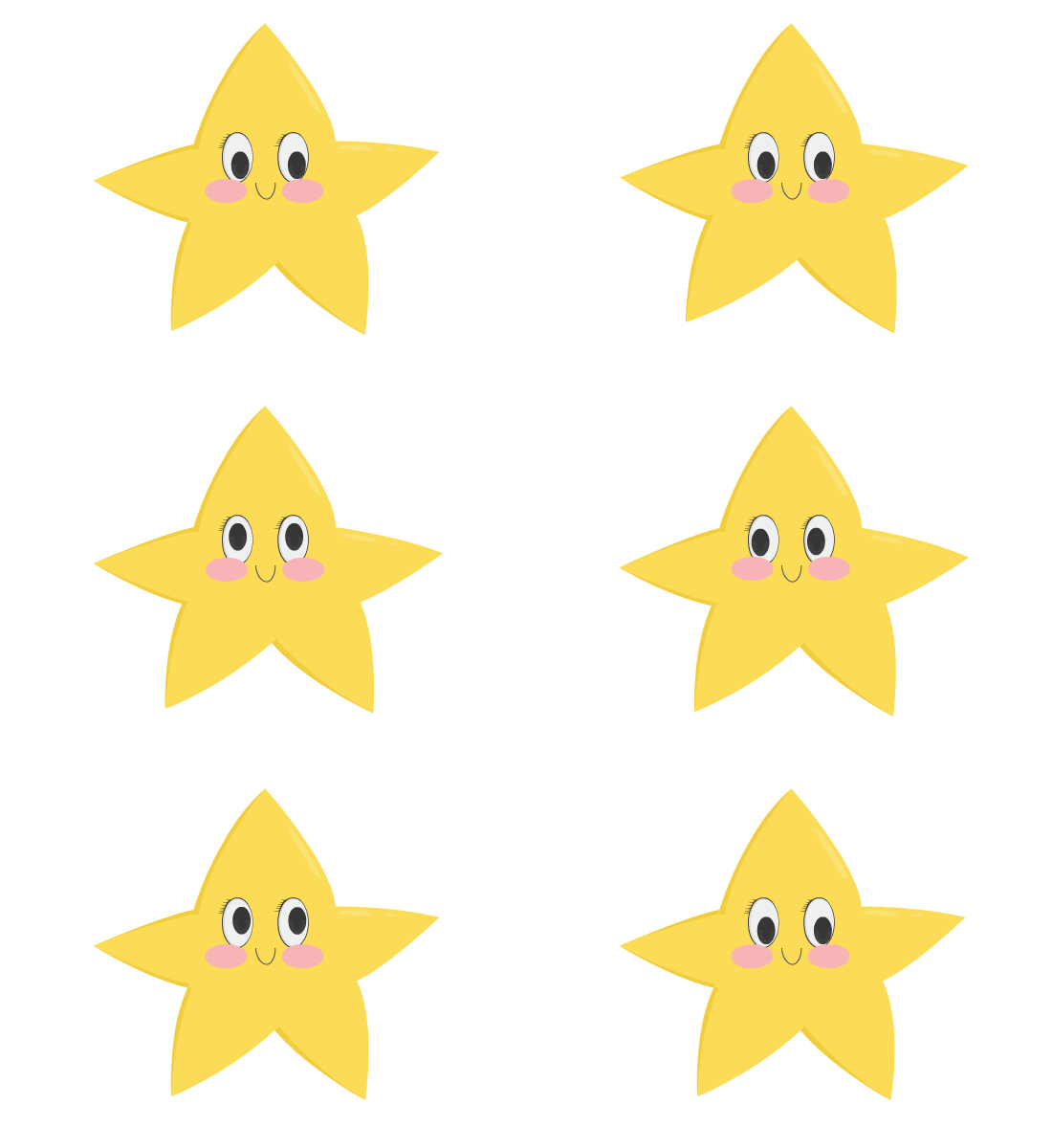
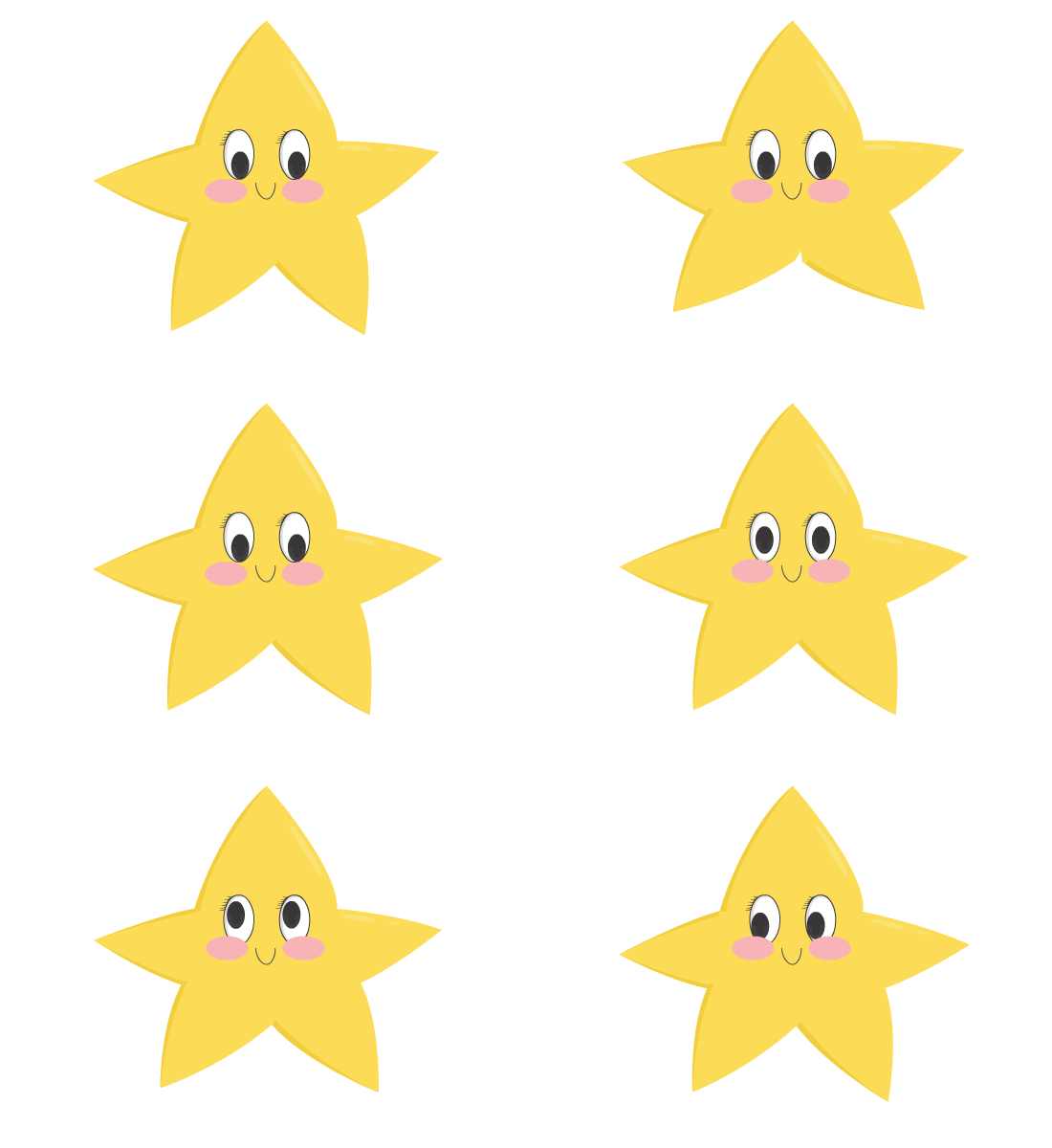
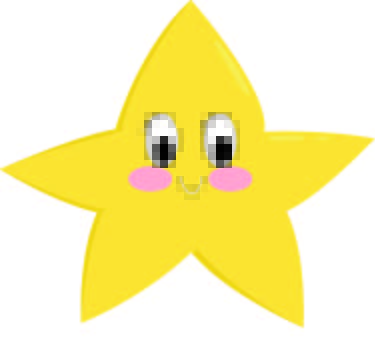
For my project I decided to create a character that was a star. The character is very energetic and happy. When I made the character in Illustrator I struggled for a bit with figuring out how I was going to draw all the limbs separately. I decided to draw the different points of the star as diamond shapes, and overlap them to make the star. Bringing my character into Adobe Animate took a while because at first I was saving all of the pieces on separate Illustrator files. Later I figured out that I didn’t need to do that and I could just bring the entire file in by itself. When animating I felt like the movements looked kind of awkward but I tried to make it as good as I could make it. I’m still feel like the animation is missing something and didn’t come out as I envisioned. But, for just starting out animating in Adobe Animate I think it’s not that bad. If I could go back and do this project again I would probably rethink how to make the limbs/points so it doesn’t look weird when animating. I would also maybe create another character with different movements because I think my character has really basic movements.
Today I tried to start doing my second animation but I didn’t get very far. I think I would have to make extra time to do it because it is a running motion which I’ll have to figure out. I also went back and tried to fix the front view animation. I fixed one of the legs but it’s just the left leg I think I need to fix. I will try and upload the artist statement tomorrow.
So I think that today I finished animating the the first version of my character. I noticed on the blog that my characters’ eyes weren’t white and they were transparent so I went back into illustrator and fixed it by making the whites of the eyes more gray. I also added a few more movements and then ended it by looping it together (?) At first I didn’t know how to end the animation with the same pose as the very first frame so it doesn’t jump, but now I know how. I like how it came out it I still think something still looks a bit awkward so I might go back and tweak it. Next class I’ll try to do that and start working on the side view animation of my character.
Today I finally started animating my character. It took me a while to figure it out, but I brought all the parts into Adobe Animate. At first I was saving all of the character parts on a separate file (png and illustrator), but all I had to do was save just save it all on the same file and bring it into Animate because I can still access the layers. I did a little bit of animating so far.
I finished all of the parts for both versions of my characters. I tried to save the parts on separate files but I didn’t bring them into Adobe Animate yet because I’m not sure I saved them correctly. I saved each part as a png file but after looking at the blog I wasn’t sure if I was supposed to save them as all the parts or just the whole character as a pdf. Also think I need to change them to ai files.
So, I’m pretty much done (almost). All I have left to do is save all the part on a separate png files. I will probably do that next class or on my own time. This is what I have.

(not sure what happened to the quality)
 Digital Art with Tianna